This guide allows one to enhance their JEDI-Skylab virtual environment to install the CLI from EUMETSAT called eumdac and the other the satpy package that provides a number of readers for space-based assets.
Step-by-step guide
Let's create a new venv , in this guide it will be called venv-satpy
- Ensure you are in an existing JEDI-Skylab
venv. This is the one that was created in the later part of step 2, from the Running Skylab instructions. The environment is created when one runs this commandpython3 -m venv --system-site-packages venvfollowed bysource venv/bin/activate
Create the new virtual environment and activate it:$python_ROOT/bin/python3 -m venv --system-site-packages venv-satpy source venv-satpy/bin/activate # normally I now change directory into the venv-satpy when I run the following commands cd venv-satpy
- Install the CLI for access to EUMETSAT Data Portal - eumdac
# going to drop the preceding $python_ROOT/bin/ when calling python3
python3 -m pip install eumdac
python3 -m pip install --upgrade eumdac
- Install satpy:
python3 -m pip install satpy
NOTE:
If you now plan to download from EUMETSAT Data Portal - User Registration, you need to create the free account – and – request access to the 24-hour latent data streams here is an example of data access I've requested: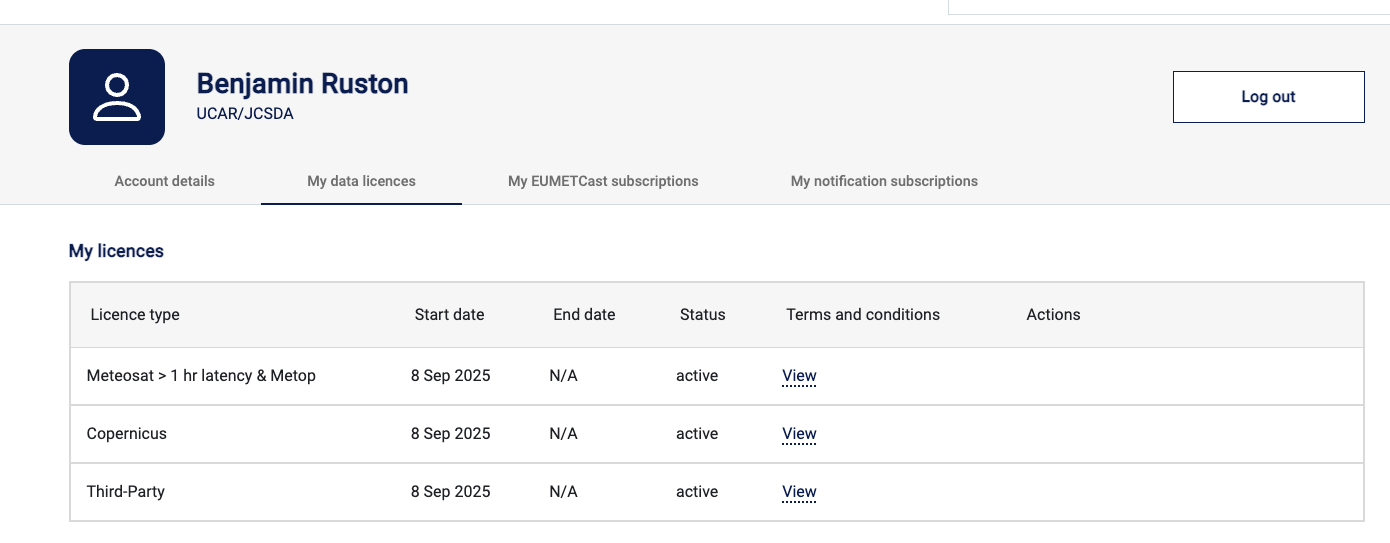
After establishing an account. Please follow instructions in the eumdac guide. The important section here is to establish the handshake with the API keys in the eumdac guide - Setup section. You will establish the credentials when logged into your EUMETSAT account, and following the API Key Management link then entering this information via the eumdac client (with the command eumdac set-credentials ConsumerKey ConsumerSecret where you replace final two arguments).