This guide allows one to enhance their JEDI-Skylab virtual environment to install the CLI from EUMETSAT called eumdac and the other the satpy package that provides a number of readers for space-based assets.
Step-by-step guide
Let's create a new venv , in this guide it will be called venv-satpy
- Ensure you are in an existing JEDI-Skylab
venv. This is the one that was created in later stages of step 2 of the Running Skylab when one runs this commandpython3 -m venv --system-site-packages venvfollowed bysource venv/bin/activate
Create the new virtual environment and activate it:$python_ROOT/bin/python3 -m venv --system-site-packages venv-satpy source venv-satpy/bin/activate # normally I now change directory into the venv-satpy when I run the following commands cd venv-satpy
- Install the CLI for access to EUMETSAT Data Portal - eumdac
# going to drop the preceding $python_ROOT/bin/ when calling python3
python3 -m pip install eumdac
python3 -m pip install --upgrade eumdac
- Install satpy:
python3 -m pip install satpy
NOTE:
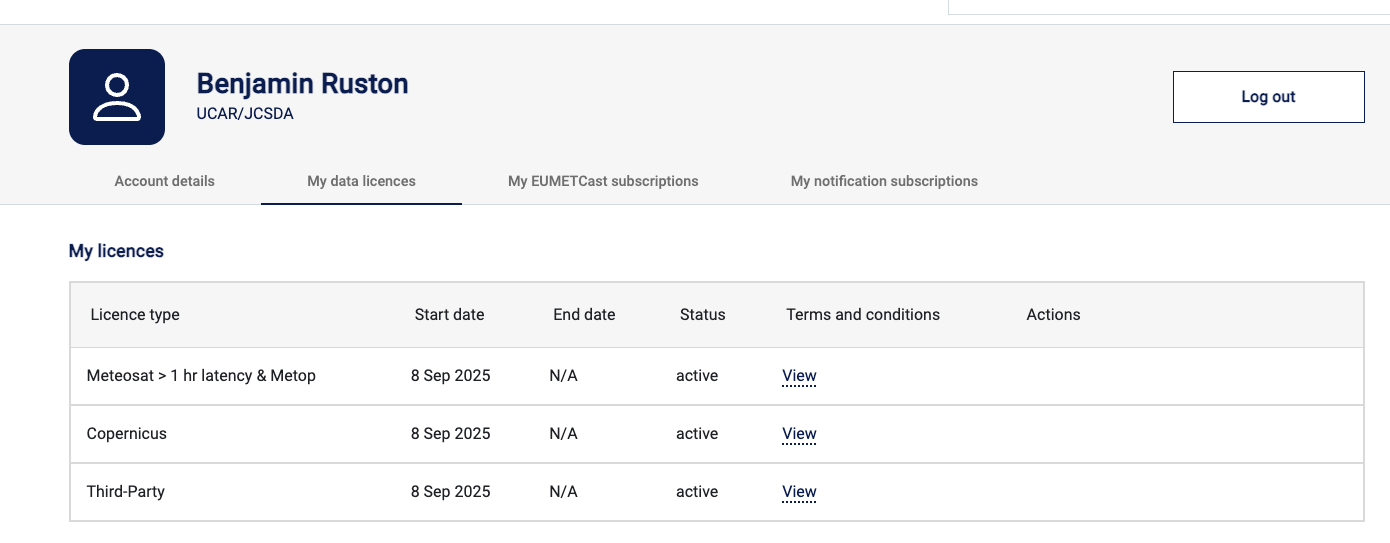
If you now plan to download from EUMETSAT Data Portal - User Registration, you need to create the free account – and – request access to the 24-hour latent data streams here is an example of data access I've requested: